Do you know where your website is failing users and putting your organisation at risk?
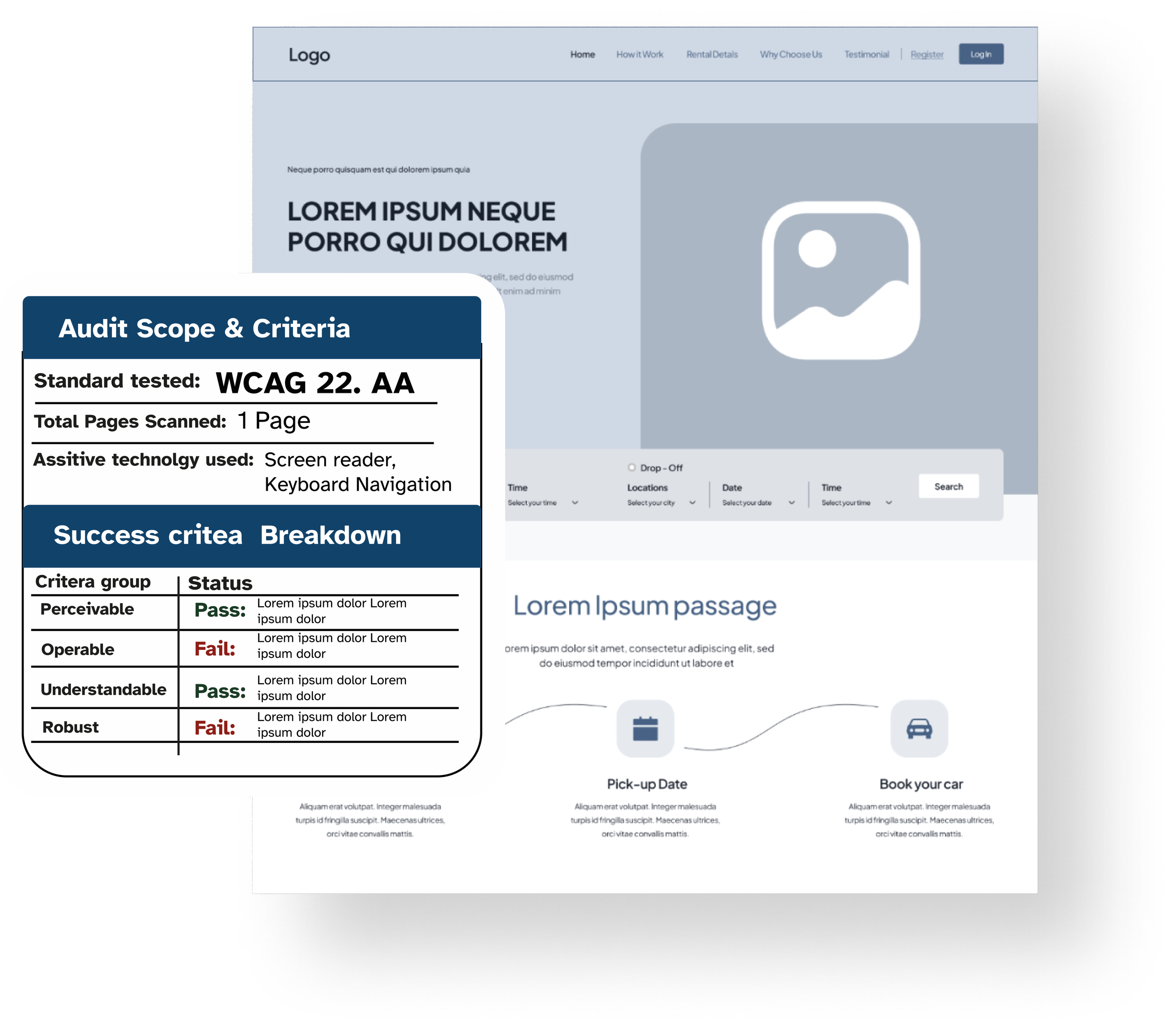
I help organisations identify accessibility risks, fix real usability issues, and meet WCAG 2.2 AA through practical audits and inclusive design.
Know what’s broken. Fix what matters.
Not sure where to start with accessibility?
Answer a few quick questions to get a practical accessibility overview and see whether accessibility support may be needed.
Why accessibility issues are often missed
Common problems include:
Broken navigation
Missing labels
Poor page structure
Accessibility issues are often:
Misunderstood
Hidden
Missed by automated tools
Real findings back this:
83.9% of home pages have insufficient colour contrast.
48.6% of website home pages lack proper labels for form inputs.
54.5% of home pages contain images with missing image alternative text.
Most of these aren’t obvious until someone tries to use your site.

Accessibility Snapshot £195
Quickly identify the biggest accessibility issues across your website, documents, or platform.
What you’ll get:
Quick Accessibility
ReviewReal Testing
Top 10 Issues (Fix First)
Simple Accessibility
ScoreAction Plan
Quick Wins
Optional Video
Walkthrough
Your business gets:
Simple report
Clear action
Easy-to-understand advice
Curated Accessibility Outcomes
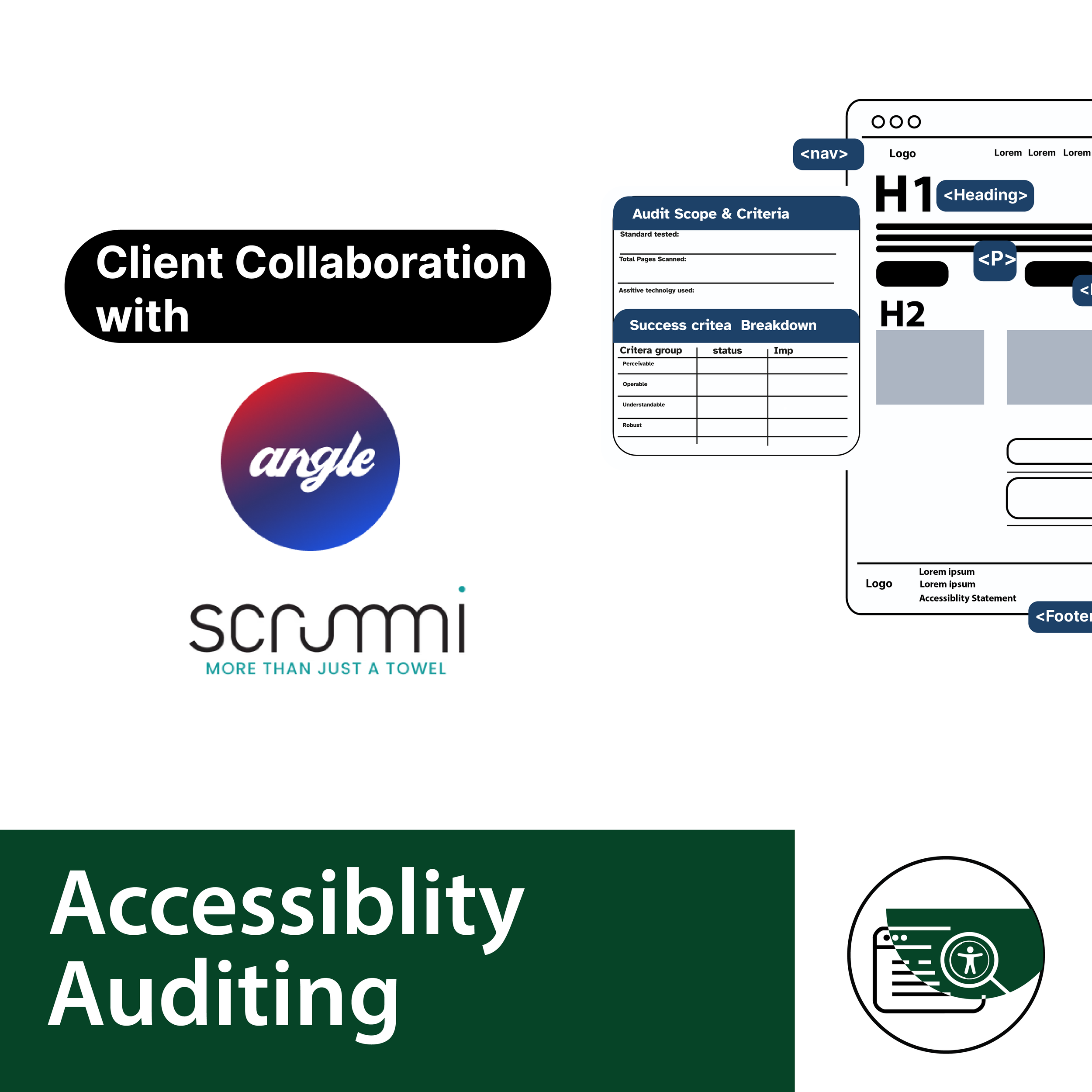
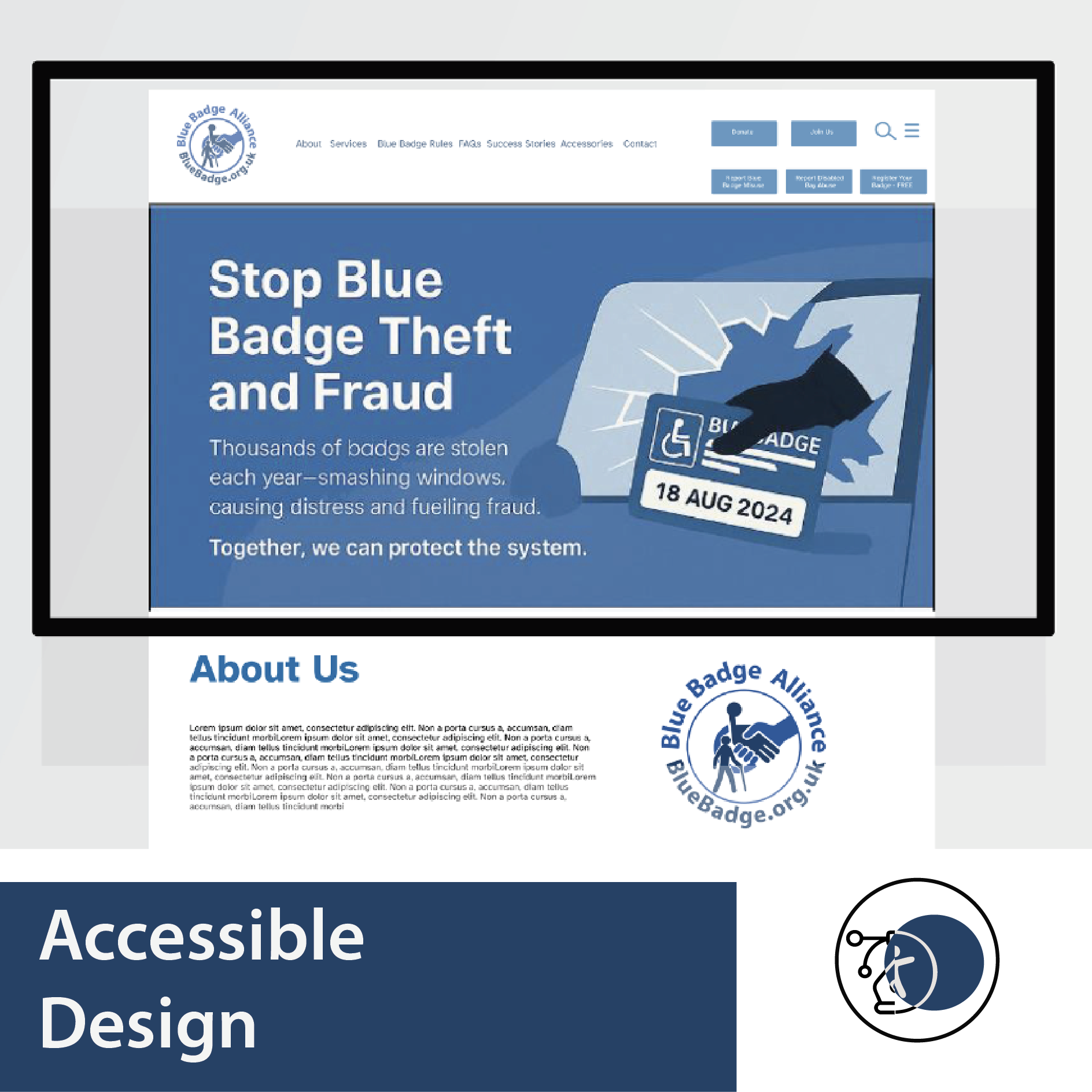
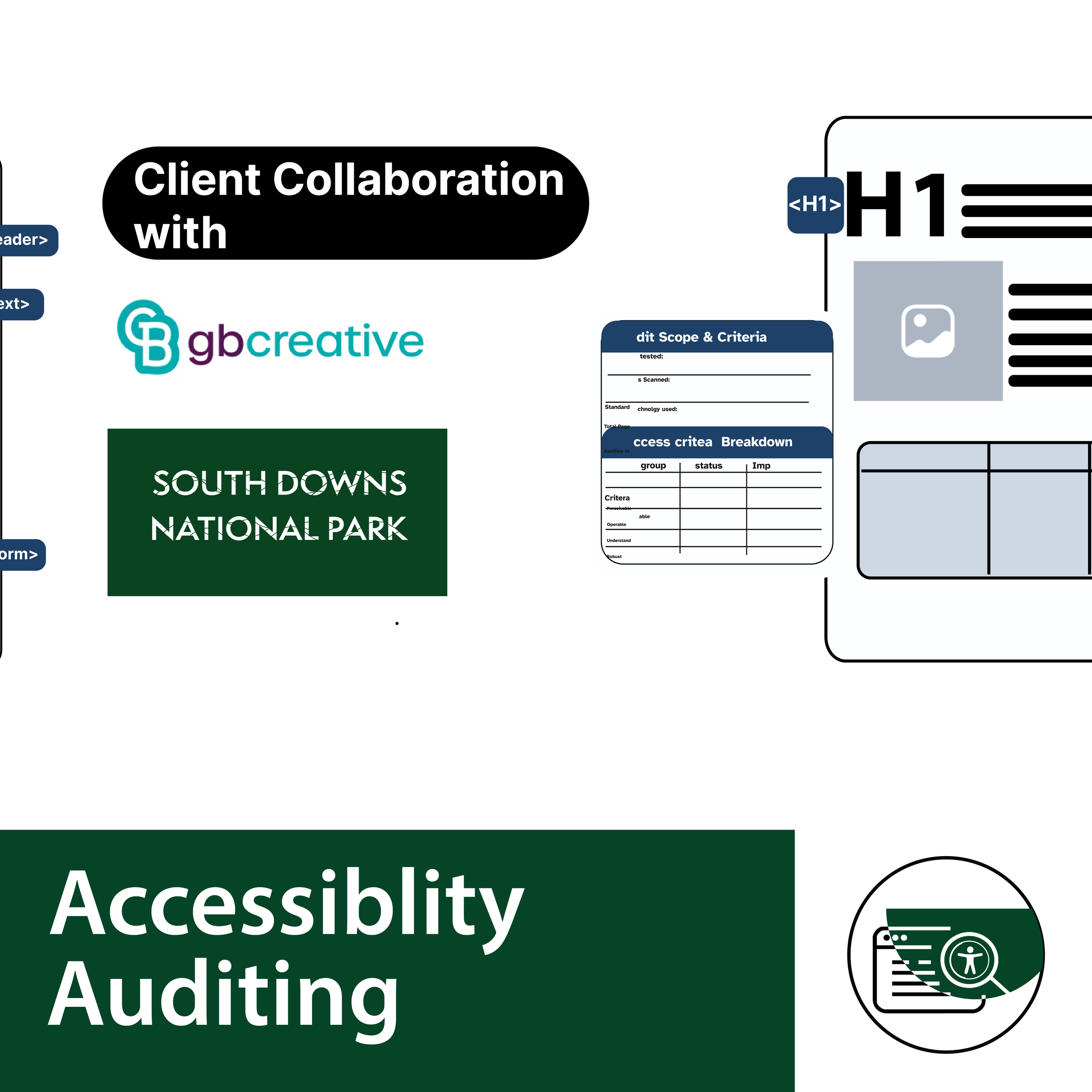
Each example highlights how practical changes can improve usability, support assistive technologies, and move organisations closer to WCAG 2.2 compliance. Through auditing first, design second. Reduced accessibility issues by 70 % for these Curated sites.
Consultancy first, design thereafter!
My Services
-
Fast, clear starting point on your digital accessibility journey
-
From uncertainty to clarity in 4 weeks. Know what’s holding your Digital Content back — and what to do about it
-
Identify real barriers + risk an indepth look and guidelines
-
Fix usability, not just compliance, bespoke design explorations on complex elements
-
Start your journey; learn from a consultant with lived experience.
The Audit First Approach
A clear pathway towards more accessible digital experiences.
1 Ask. 2. Assess. 3. Advise. 4. Act. 5. Assist
How I actually test your website
Screen Reader Testing
Real assistive tech. Real behaviour.
NVDA, VoiceOver, mobile
How content is actually experienced
Not just how it’s coded
Many issues don’t show up in automated scans; they only appear through real interaction.
Zoom & Resizing
Does it break under pressure?
Tested up to 400% zoom
Layout stability
Mobile + responsive behaviour
Keyboard Navigation
Can your site work without a mouse?
Menus, forms, interactions
Focus states + navigation flow
Full keyboard usability
Structure & Semantics
Is your content understandable?
Headings + hierarchy
Navigation clarity
Assistive tech compatibility
Colour & Contrast
Can users actually read it?
Text clarity
Button visibility
Low vision + colour blindness
Most accessibility issues aren’t technical — they’re usability problems.
They only show up when someone tries to use your site in the real world.
That’s what I test.

I’m an Accessibility Consultant with a background in graphic design (BA Hons), combining visual communication expertise with lived experience of disability.
I help organisations identify and remove accessibility barriers through practical audits and inclusive design — ensuring digital experiences are usable, compliant, and effective for more people.
Accessibility informed by lived experience
Sectors I work with:
-
Supporting councils, public bodies, and funded organisations to align with WCAG 2.2, EN 301 549, and UK accessibility regulations.
-
Working with schools, colleges, SEND organisations, and training providers to ensure digital platforms are inclusive and usable for all learners.
-
Supporting small and medium-sized businesses to embed accessibility early — reducing risk while strengthening brand trust and usability.
-
Reviewing and advising on accessible apps, dashboards, and digital platforms to ensure real-world usability, including assistive technology compatibility.s.
Supporting these organisations to improve accessibility



Build Accessibility Into Your Team
Move beyond compliance checklists.
I work with teams to identify real accessibility issues, understand user impact, and apply practical solutions that improve usability and reduce risk.