Can everyone use your Digital content with confidence?
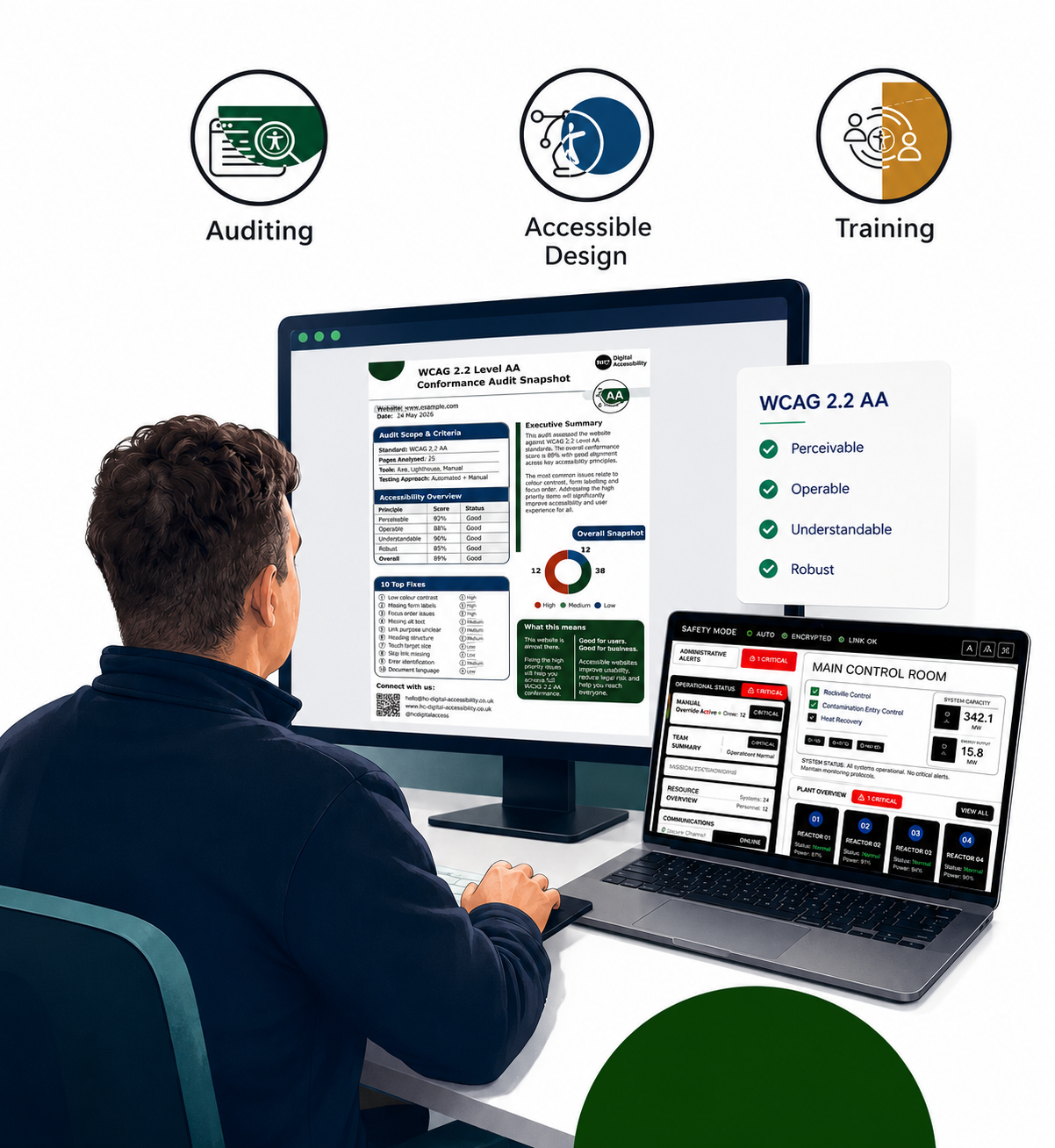
I help organisations identify accessibility issues, improve usability, and create Digital content that more people can use through expert audits, inclusive design, and practical guidance.
Know what’s broken. Fix what matters.
Not sure where to start with accessibility?
Answer a few quick questions to get a practical accessibility overview and see whether accessibility support may be needed.
Why choose HC Digital Accessibility
Manual testing
Finds issues automated tools often miss.
Actionable reports
Clear recommendations, not just technical findings.
Lived experience
Practical insight into real user barriers.
Consultancy first
Independent advice tailored to your organisation.
Supporting these organisations to improve accessibility




Accessibility Snapshot
A practical 90-minute review of your website or digital product.
What you’ll get:
Quick Accessibility
ReviewReal Testing
Top 10 Issues (Fix First)
Simple Accessibility
ScoreAction Plan
Quick Wins
Optional Video
Walkthrough
Cost: £195
My Services
-
Fast, clear starting point on your digital accessibility journey
-
From uncertainty to clarity in 4 weeks. Know what’s holding your Digital Content back — and what to do about it
-
Identify real barriers + risk an indepth look and guidelines
-
Fix usability, not just compliance, bespoke design explorations on complex elements
-
Start your journey; learn from a consultant with lived experience.
Meet the consultant.

I’m an Accessibility Consultant with a background in graphic design (BA Hons), combining visual communication expertise with lived experience of disability.
I help organisations identify and remove accessibility barriers through practical audits and inclusive design — ensuring digital experiences are usable, compliant, and effective for more people.
Accessibility informed by lived experience
The Audit First Approach
A clear pathway towards more accessible digital experiences.
1 Ask. 2. Assess. 3. Advise. 4. Act. 5. Assist
How I actually test your website
Screen Reader Testing
Real assistive tech. Real behaviour.
NVDA, VoiceOver, mobile
How content is actually experienced
Not just how it’s coded
Many issues don’t show up in automated scans; they only appear through real interaction.
Zoom & Resizing
Does it break under pressure?
Tested up to 400% zoom
Layout stability
Mobile + responsive behaviour
Keyboard Navigation
Can your site work without a mouse?
Menus, forms, interactions
Focus states + navigation flow
Full keyboard usability
Structure & Semantics
Is your content understandable?
Headings + hierarchy
Navigation clarity
Assistive tech compatibility
Colour & Contrast
Can users actually read it?
Text clarity
Button visibility
Low vision + colour blindness
Most accessibility issues aren’t technical — they’re usability problems.
They only show up when someone tries to use your site in the real world.
That’s what I test.
Sectors I work with:
-
Supporting councils, public bodies, and funded organisations to align with WCAG 2.2, EN 301 549, and UK accessibility regulations.
-
Working with schools, colleges, SEND organisations, and training providers to ensure digital platforms are inclusive and usable for all learners.
-
Supporting small and medium-sized businesses to embed accessibility early — reducing risk while strengthening brand trust and usability.
-
Reviewing and advising on accessible apps, dashboards, and digital platforms to ensure real-world usability, including assistive technology compatibility.s.
Featured Accessibility Projects
Explore a selection of accessibility audits, inclusive design concepts, and interface improvements. Each project demonstrates how practical accessibility changes can improve usability, support assistive technologies, and create more inclusive digital experiences.
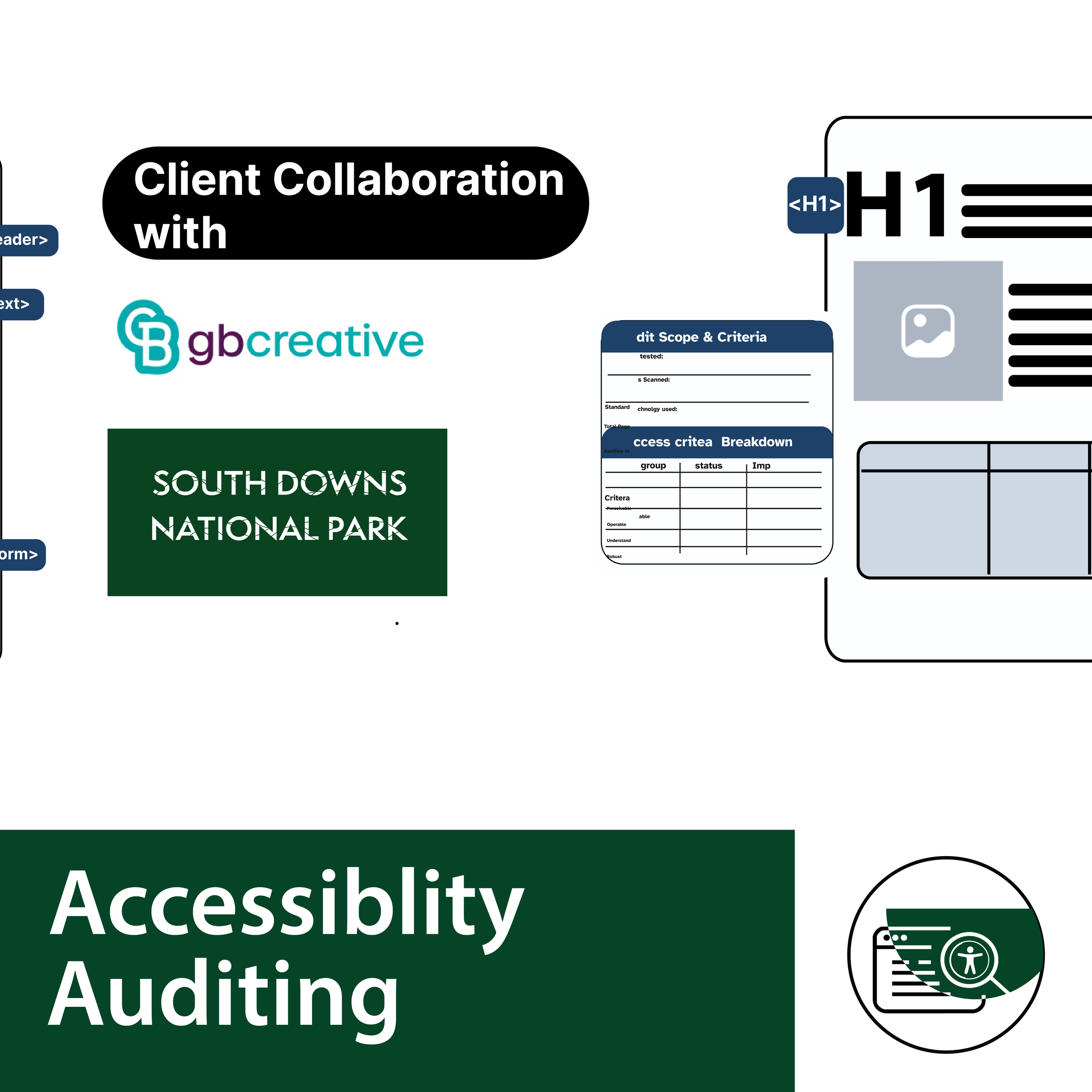
PDF Audit for South Downs National Park
Accessibility Audit
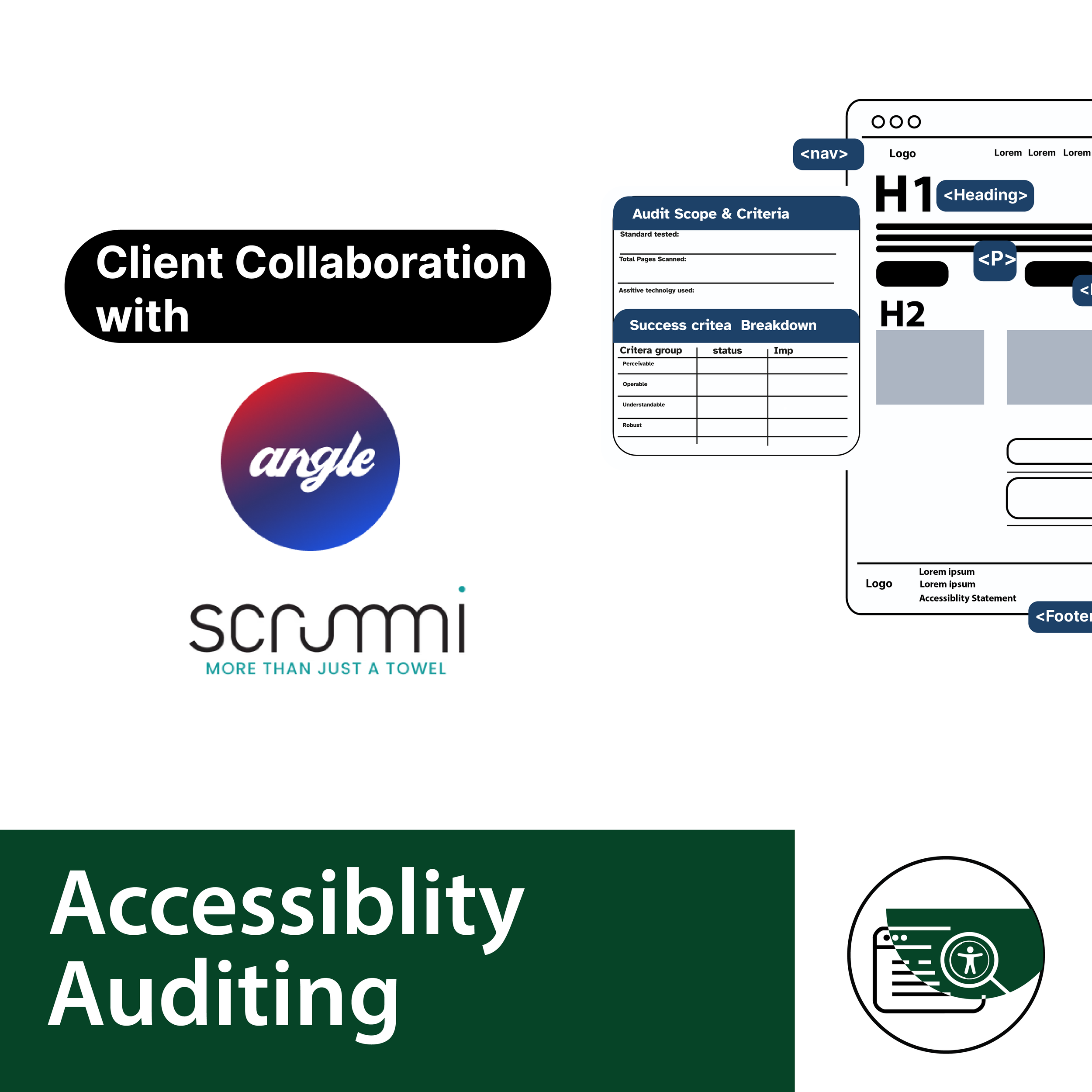
Accessibility Website Audit for Scrummi
Accessibility Audit
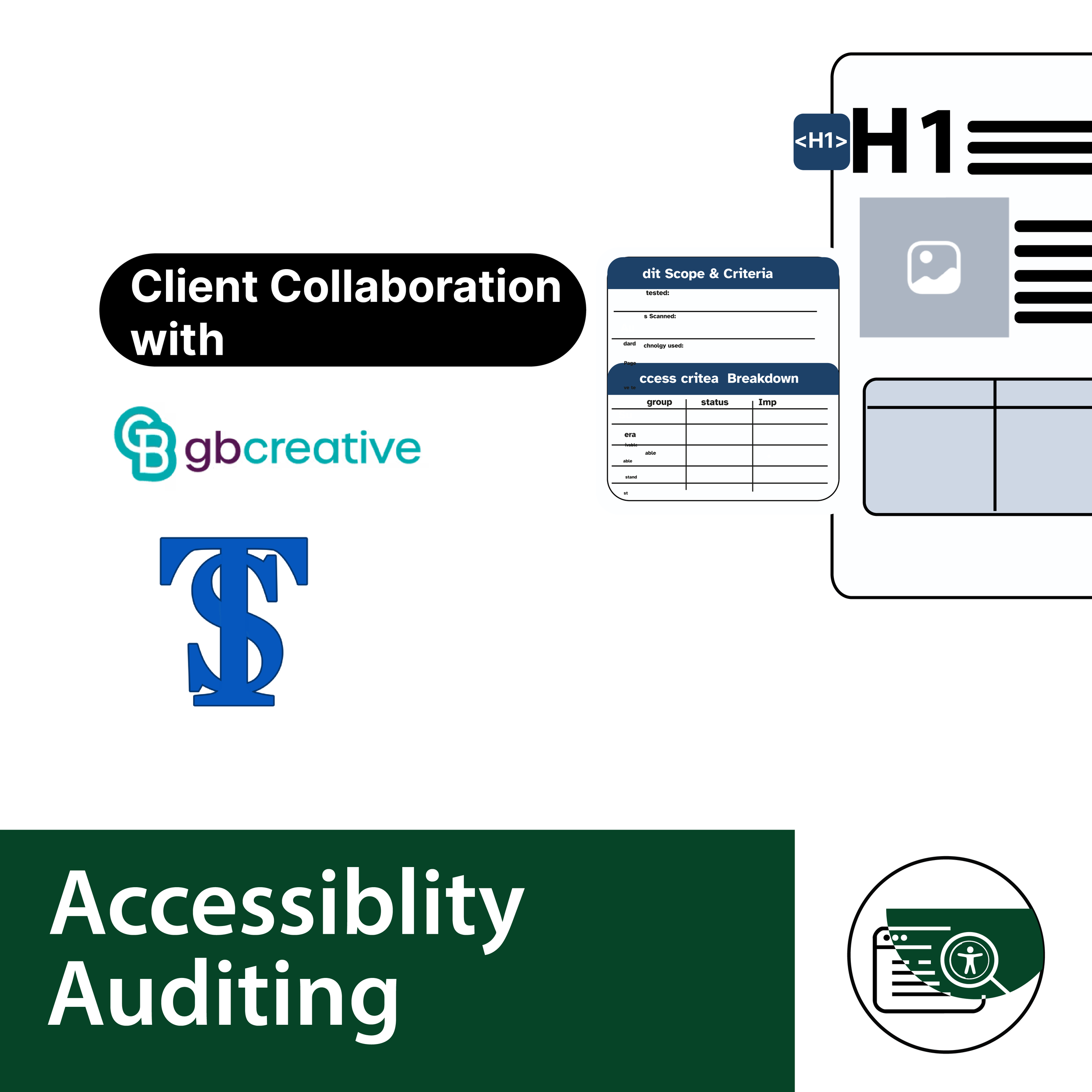
Accessibility Audit for South Downs National Park
Accessibility Audit
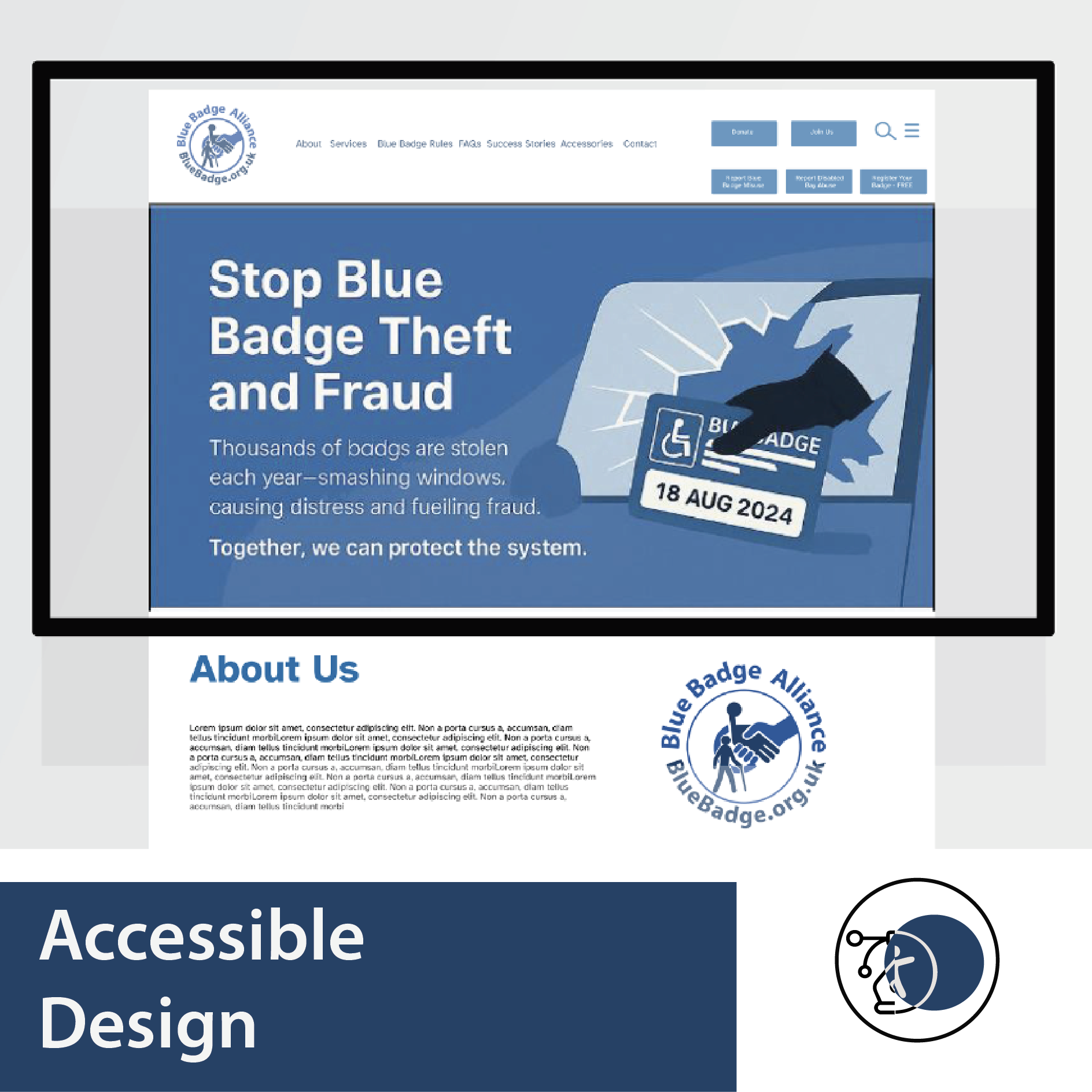
Blue Badge Service Redesign
Inclusive Design • Accessibility Review
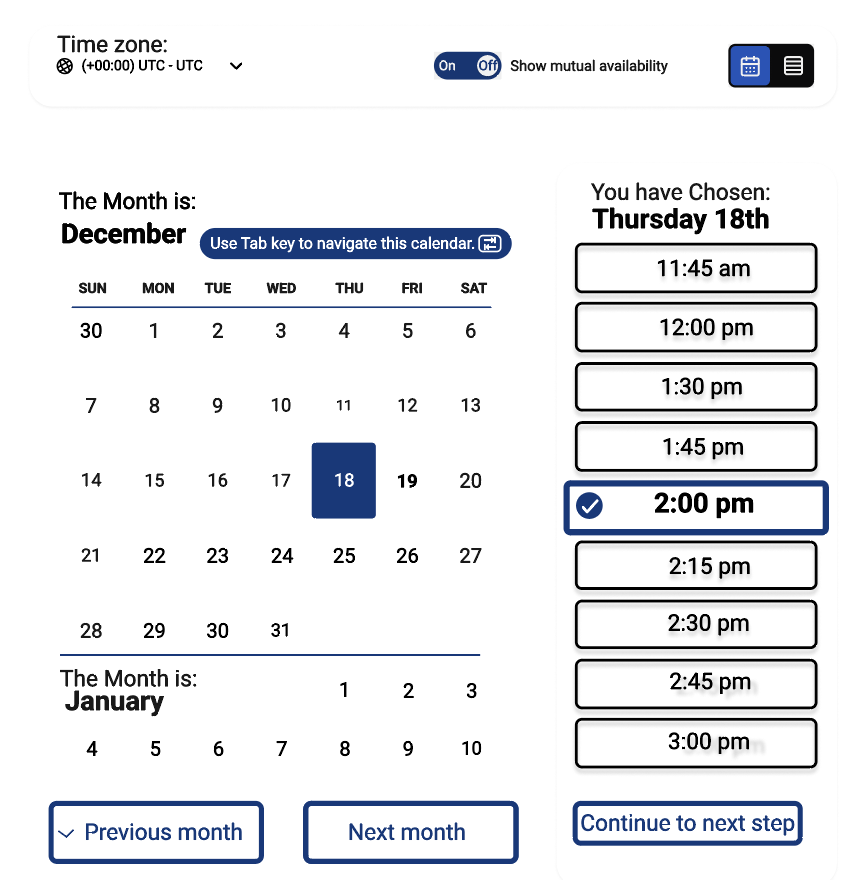
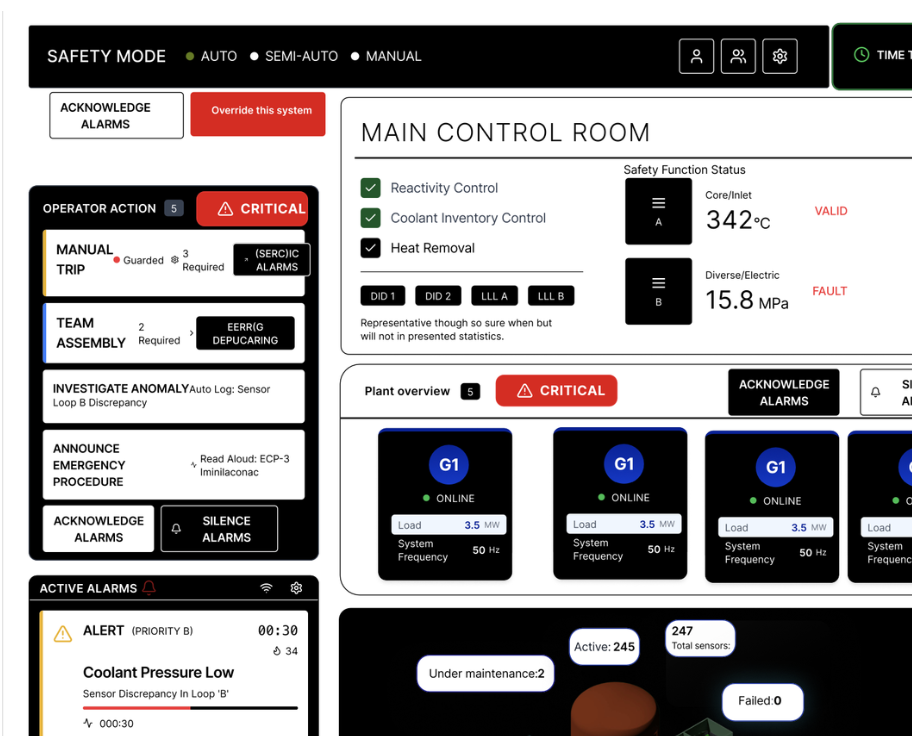
A Human-Centred Control Interface
Concept Project • Defence
Accessible components
WCAG 2.2 • UI Components
Consultancy first, design thereafter!
Build Accessibility Into Your Team
Move beyond compliance checklists.
I work with teams to identify real accessibility issues, understand user impact, and apply practical solutions that improve usability and reduce risk.
Mentoring – a 4-week clarity programme – inclusive design training
Frequently Asked Questions
-
We offer a range of solutions designed to meet your needs—whether you're just getting started or scaling something bigger. Everything is tailored to help you move forward with clarity and confidence.
-
Getting started is simple. Reach out through our contact form or schedule a call—we’ll walk you through the next steps and answer any questions along the way.
-
We combine a thoughtful, human-centered approach with clear communication and reliable results. It’s not just what we do—it’s how we do it that sets us apart.
-
You can reach us anytime via our contact page or email. We aim to respond quickly—usually within one business day.
-
We offer flexible pricing based on project type and complexity. After an initial conversation, we’ll provide a transparent quote with no hidden costs.
-
Collaborative, honest, and straightforward. We're here to guide the process, bring ideas to the table, and keep things moving.