

Excluded or included-essential
Practical accessibility training for design teams
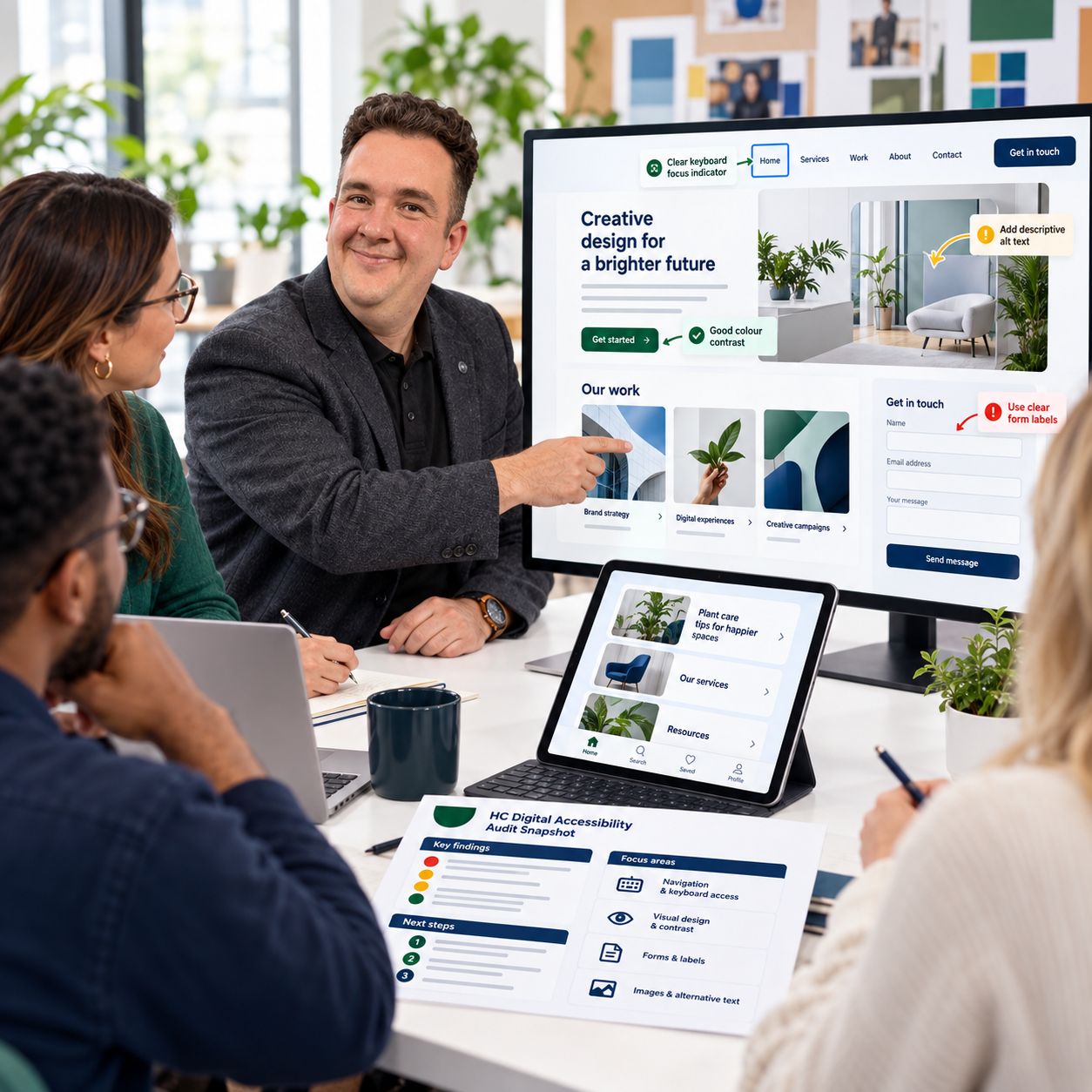
The choices we make in design can include people or create barriers. Excluded / Included helps your team recognise those barriers and make more informed decisions.
Led by Harrison Chambers of HC Digital Accessibility, the training combines design expertise with lived experience of autism and dyslexia. Through clear explanations, relevant examples and practical exercises, your team explores how to make digital content easier to understand and use.
Excluded or included-essential
Included/Excluded is practical accessibility and inclusive design training Half a day is designed to help individuals and teams better understand how accessibility impacts real users.
Learn how to identify inclusive versus exclusionary design, improve usability, and apply practical accessibility principles across websites, content, communication, and digital experiences.
This training combines accessibility awareness, inclusive design thinking, and practical usability guidance to help organisations create more accessible and user-friendly experiences for everyone.
Includes:
Planning call: a short conversation to understand the team’s work, software and learning needs.
Tailored training: an introduction to accessibility, disability and barriers, informed by your lived experience.
Design fundamentals: practical guidance on typography, contrast, colour, layout, images and clear content.
Practical exercises: identify barriers and explore improvements using relevant design examples.
Excluded or included- in practice
Included/Excluded is practical accessibility and inclusive design training Full day is designed to help individuals and teams better understand how accessibility impacts real users.
Learn how to identify inclusive versus exclusionary design, improve usability, and apply practical accessibility principles across websites, content, communication, and digital experiences.
This training combines accessibility awareness, inclusive design thinking, and practical usability guidance to help organisations create more accessible and user-friendly experiences for everyone.
Includes:
Everything in Essentials, plus:
- Wider coverage: accessibility considerations for websites, digital documents and PDFs.
- Basic checking techniques: guided practice checking contrast, headings, alternative text and reading order.
- Their own work: a guided review of up to two examples supplied before the session.
- Hands-on improvement exercise: apply the learning to a sample or existing project.
- Team action plan: agree priority improvements and where accessibility checks fit into their workflow.
- Follow-up support: a 30-minute online call within four weeks to discuss progress and questions.
What You’ll Learn
Understanding inclusive vs exclusive design
Introduction to digital accessibility
Accessibility testing basics
Common accessibility barriers
Ideal For
Designers and
design agencies
WCAG 2.2 principles explained simply
Accessibility in communication and content
Improving usability for wider audiences
Accessibility best practices for digital experiences
Public sector marketing
and design teams
Charties and NPO’S
Creative teams
Here are examples of structures for included, excluded, essential, and in practice.
Note that this is an exemplar and can be bespoke to your agency's or individual's needs for training.
Example structure
Half day · 10:00–13:00
-
10:00–10:20
Welcome and shared goals
What accessibility means and what your team wants to learn.
-
10:20–11:00
Recognise common barriers
Explore disability, exclusion and real-world digital experiences.
- 11:00–11:15 · Break
-
11:15–12:00
Accessible design basics
Typography, contrast, colour, layout, images and clear content.
-
12:00–12:40
Put ideas into practice
Spot barriers in design examples and explore practical improvements.
-
12:40–13:00
Reflect and ask questions
Choose actions to apply in your work. Take away notes and a checklist.
Example structure
Full day · 10:00–16:00
-
10:00–11:00
Build your foundations
Common barriers and accessible design principles from Essentials.
- 11:00–11:15 · Break
-
11:15–12:15
Websites and PDFs
Practise basic checks: contrast, headings, alt text and reading order.
-
12:15–13:00
Explore your own work
Guided review of up to two examples supplied beforehand.
- 13:00–13:45 · Lunch break
-
13:45–15:00
Hands-on improvements
Apply learning to a sample or an existing team project.
- 15:00–15:15 · Break
-
15:15–16:00
Your team action plan
Agree priorities, workflow checks and next steps. Time for questions.
Flexible Training Options
Training is available as:
1-to-1 mentoring sessions
Group workshops
Remote accessibility training
Team accessibility sessions
Practical inclusive design workshops
Sessions are designed to be approachable, flexible, and tailored to different experience levels.
Discuss Accessibility Training
Looking for practical inclusive design and accessibility training for your organisation or team?
Get in touch to discuss workshops, mentoring, or tailored accessibility support.